Interactive
Six Calibration Patterns
Alignment grid, color bars, solid R/G/B/W/K, convergence circles, motion sync, and orientation labels — all toggled via keyboard. Press F for fullscreen, number keys to switch patterns.
Still Compositions
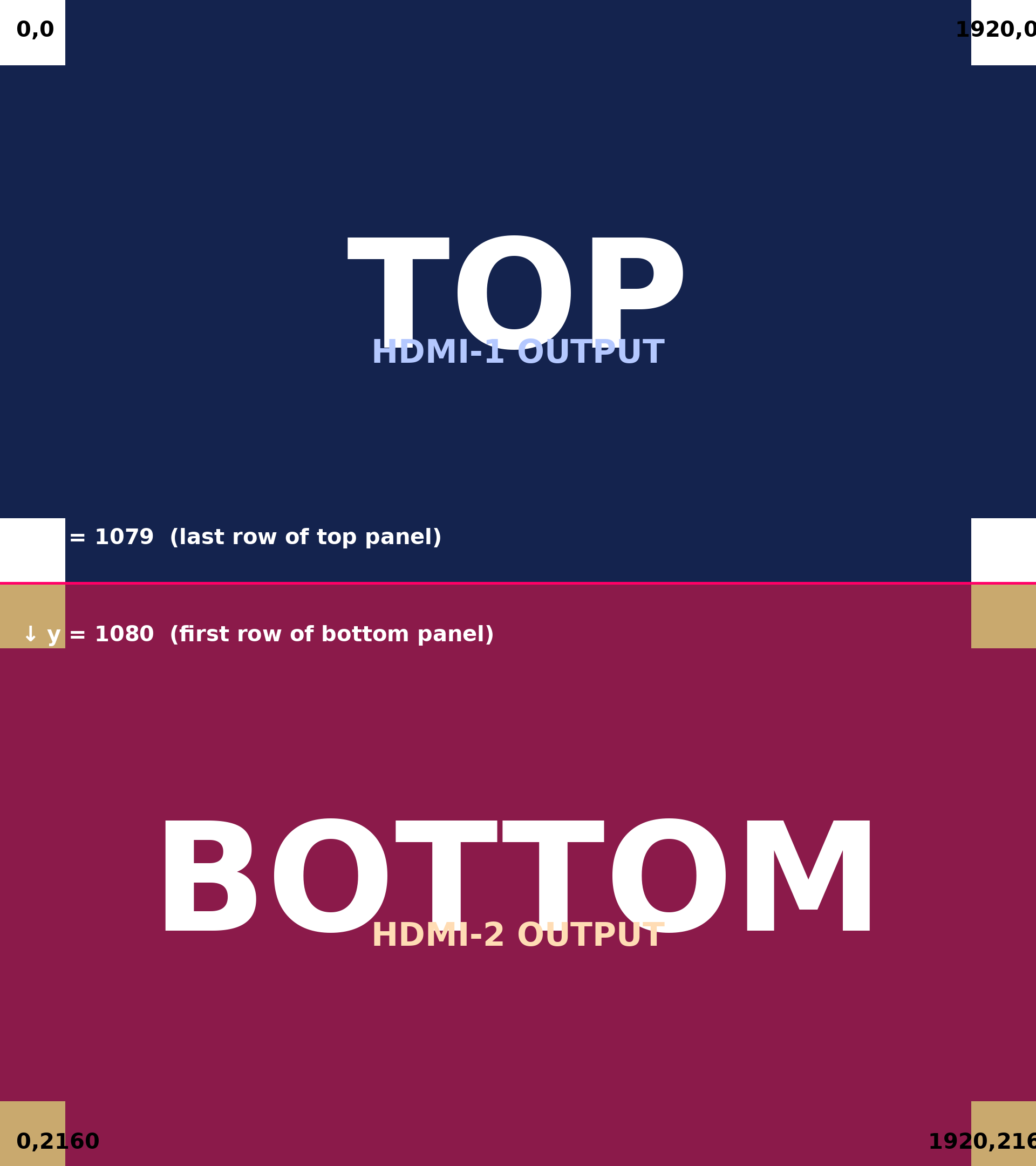
Seam Alignment
Hard-split image with TOP and BOTTOM labels, corner coordinate markers, and a magenta seam reference line at y=1080. Confirms panel assignment and reveals any pixel-level offset across the splice boundary.
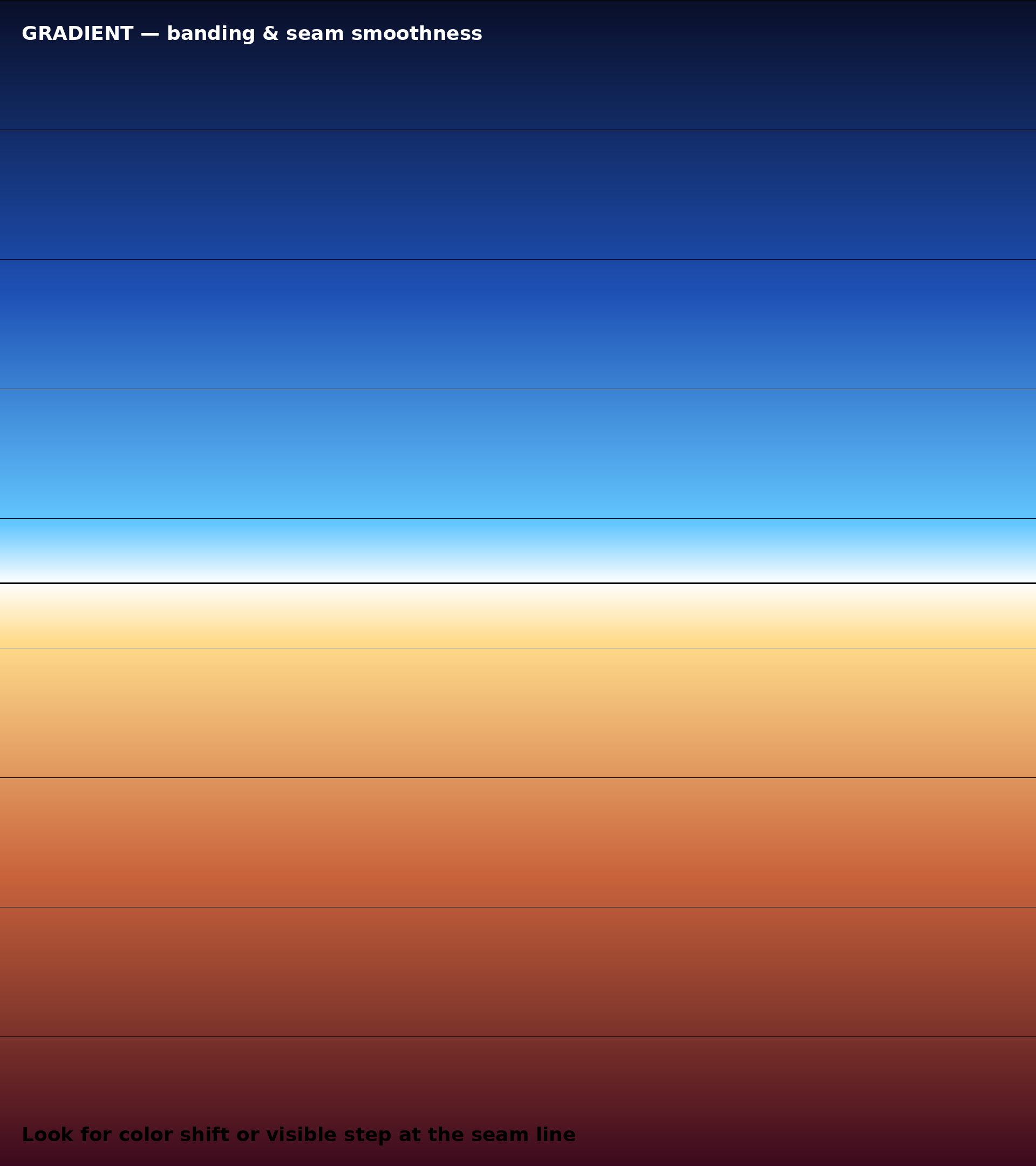
Tonal Gradient
A vertical gradient peaking at pure white precisely at the seam. The brightest point exposes any banding, panel-to-panel color mismatch, or gamma drift the moment your eye crosses y=1080.

Brand Mockup
Mediterranean composition with the Pafilia wordmark and "Outstanding Living" tagline centered exactly on the seam. The harshest splice test — large serif letterforms straddle the boundary where artifacts become unmistakable.
Motion Loop
Continuous Crossing
A scanning bar sweeps from top to bottom while three pulses oscillate vertically across the seam. Scrolling reference lines and a timecode let you spot tearing, dropped frames, or stutter at y=1080. Loops seamlessly.
Pre-Production
Pafilia Property Short
A vertical Pafilia film embedded as a pre-production reference, played through the wall to validate the full network → controller → panels chain with real-world content. Native aspect is 9:16 — content will letterbox within the 8:9 wall canvas. Final production video should be authored at 1920×2160 to fill the full splice.
Validation Sequence
- Connect the source PC HDMI to the M04 controller input. Both 75″ panels to
HDMI-1(top) andHDMI-2(bottom). - In Windows:
Display Settings→ set resolution to1920 × 2160. If unavailable, create it viaNVIDIA Control Panel→Change Resolution→Customise. - Confirm the status panel above reports
✓ MATCH. If not, the source resolution must be corrected first. - Open each composition. Press
F11for browser fullscreen. Stand 1.5m from the wall — the typical viewing distance for the seafront installation. - Record observations. Panel orientation correct? Seam aligned to within 1 pixel? Color matched between panels? Any tearing during motion playback?